The selection of the best CPU depends on some key aspects like cores, threads, cache speed, and integrated graphics drivers, which define its true performance potential.
8 Best CPU for Multitasking: Options, Features, Best Use Case, and Prices Covered

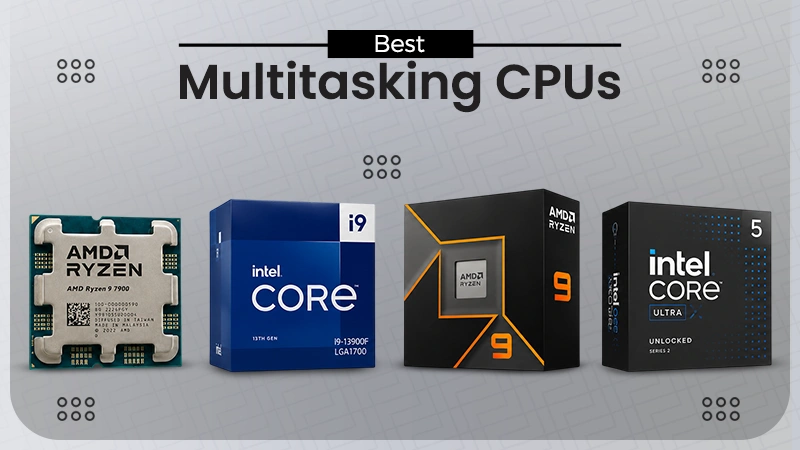

Due to constantly evolving professional setups and game updates, finding the best CPU for multitasking is important. If you are facing constant lags or disruptions during heavy tasks, then it’s time to upgrade your PC processor and replace it with the latest options. We have provided some of the best processors for your computer that you must consider to get seamless, stable, and immersive performance in this blog post.
Stay tuned till the end!
| Quick Checklist | |
| Top CPU | Features |
| AMD Ryzen 9 7900 |
|
| Intel Core i9-13900F |
|
| AMD Ryzen 9 9900X |
|
| Intel Core Ultra 5 250K |
|
| Intel Core i7-12700F |
|
| Intel Core Ultra 5 235 |
|
| AMD Ryzen 5 9600X |
|
| AMD Ryzen Threadripper 9980X |
|
Before you buy!
- Make sure to have a budget of ₹25,000 to ₹55,000.
- Prioritize checking the cores and threads of the processor.
- Check the RAM type it supports at base and peak.
- Configure the power supply for efficiency.
- Take a look at prices presented on different online and offline stores to get the best deal.
Table of Contents:
Top 8 Best CPU for Multitasking
We have mentioned the 8 best cpu for multitasking of 2026 with their pros, cons, and ideal usage patterns that you should watch out for carefully before your next purchase.
1: AMD Ryzen 9 7900
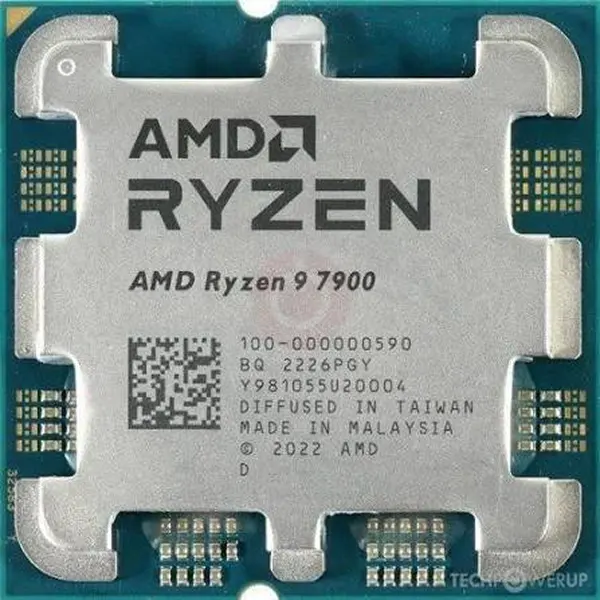
AMD Ryzen 9 7900 is a perfect solution for people who are looking for a CPU that can deliver high-end gaming performance and optimum stability in occupational tasks like editing, designing, drafting, documenting, etc in their gaming laptops or PC. It features 12 cores and 24 threads, which empower its performance for all the heavy tasks by boosting clock speeds up to 5.4 GHz.
| Prices | Pros | Cons | Ideal for |
| ₹39,990 to ₹47,432 (as per offers or special card offers) |
|
|
|
Read more: 10 Best Laptop Under 40000: Know Specs, Price, & Smart Tips
2: Intel Core i9-13900F
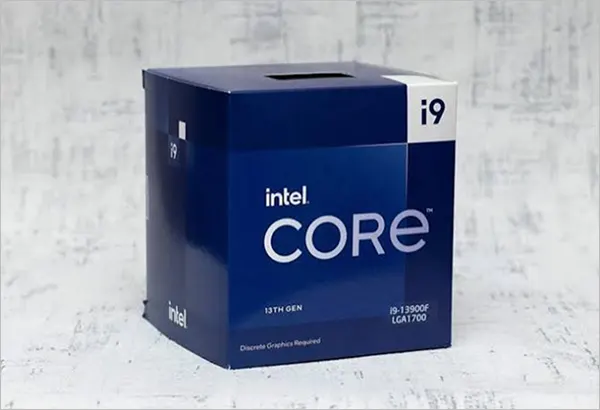
Intel Core i9-13900F has an impressive 24-core, 32-thread configuration that can be clocked up to 5.6 GHz in high-intensity gaming sessions, large-scale rendering, and productive work tasks that require multiple tab functions. Although it doesn’t have an integrated graphics card, it still possesses the ability to perform superficial activities.
| Prices | Pros | Cons | Ideal for |
| ₹47,000 and ₹53,000 depending on the retailer. |
|
|
|
3: AMD Ryzen 9 9900X
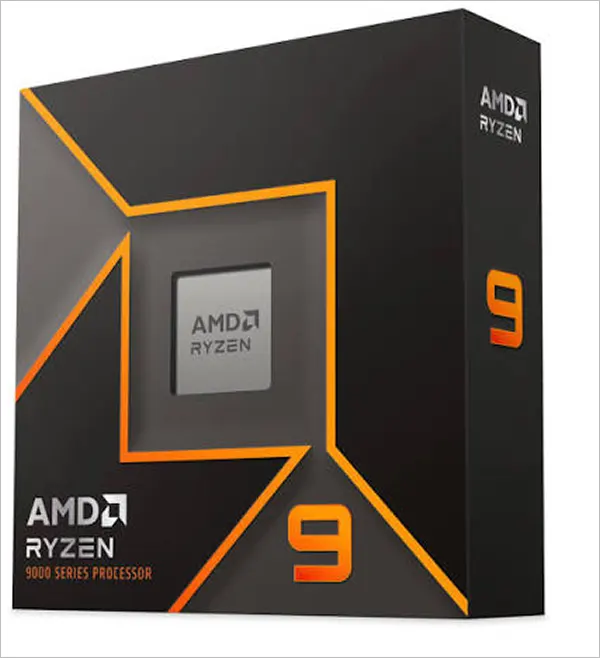
AMD Ryzen 9 9900X is a desktop processor that features 12 core and 24 threads architecture in the latest Zen-5 framework. The best part is that it combines performance and energy efficiency in one package, but the only downside here is that it can only be used in desktops and is not available for laptops.
| Prices | Pros | Cons | Ideal for |
| ₹41,700 to ₹43,500 |
|
|
|
4: Intel Core Ultra 5 250K
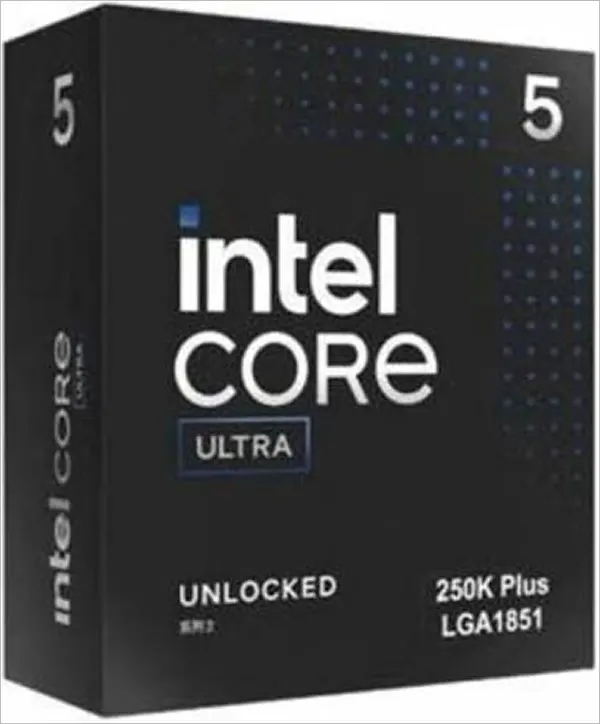
Intel Core Ultra 5 250K comes with 6 performance cores and 12 efficiency cores, with a max boost of 5.3 GHz along with 18 threads, making it ideal for both multi-core and single-core performance. Basically, it is the best CPU for heavy multitasking, and you can easily perform all your high-intensity tasks due to its multiple supported RAM types.
| Prices | Pros | Cons | Ideal for |
| ₹28,000 to ₹31,000 depending on the vendor |
|
|
|
5: Intel Core i7-12700F
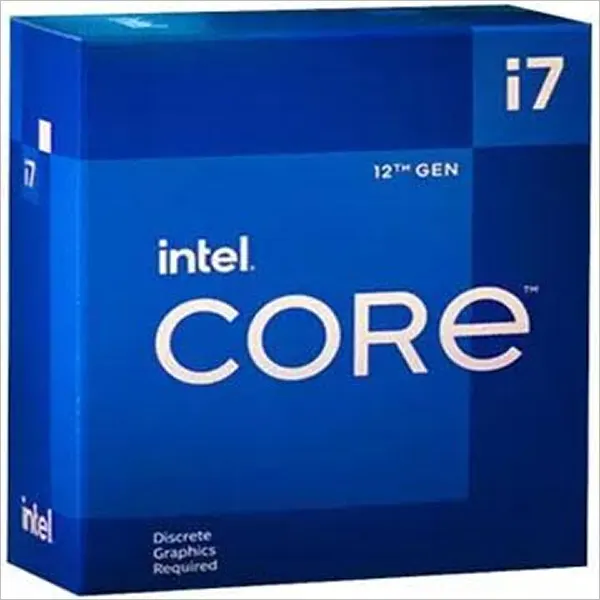
Intel Core i7-12700F can be called a truly budget beast because it features a massive 12- and 20 thread formation which makes the CPU highly adaptable for all high-intensity tasks. With only a few compromises, you can play modern games here at moderate FPS and optimum and optimal stability. You can also enjoy high-end performance if you pair it with a decent GPU.
| Prices | Pros | Cons | Ideal for |
| ₹29,000 to ₹32,000 |
|
|
|
Read more: Samsung Galaxy Tab A9+ 5G: Top Features, Pricing, Pros, and Cons.
6: Intel Core Ultra 5 235
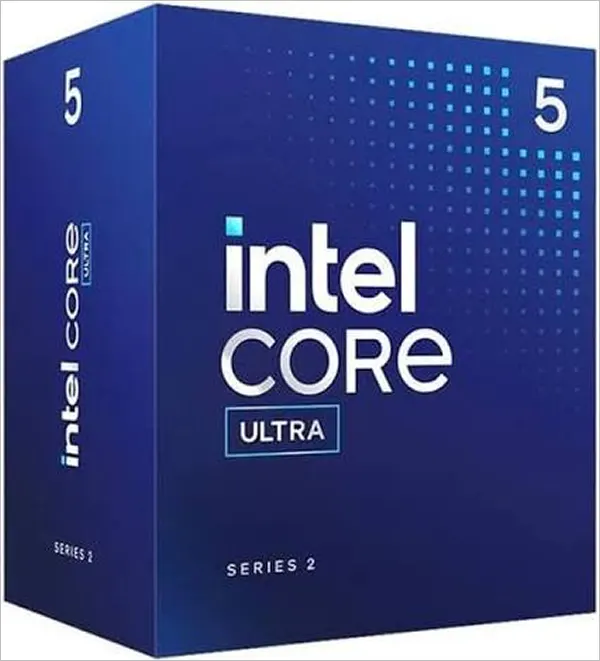
Intel Core Ultra 5 235 is the most ideal budget CPU of this list because of its moderate performance, sustainability, and stability in overall user experience. Built with 14 cores and 14 threads, it is the best multitasking CPU for producing mid-to-high FPS in gaming and can produce outputs up to 4K without any special GPU integration.
| Prices | Pros | Cons | Ideal for |
| ₹26,000 to ₹35,000 |
|
|
|
7: AMD Ryzen 5 9600X
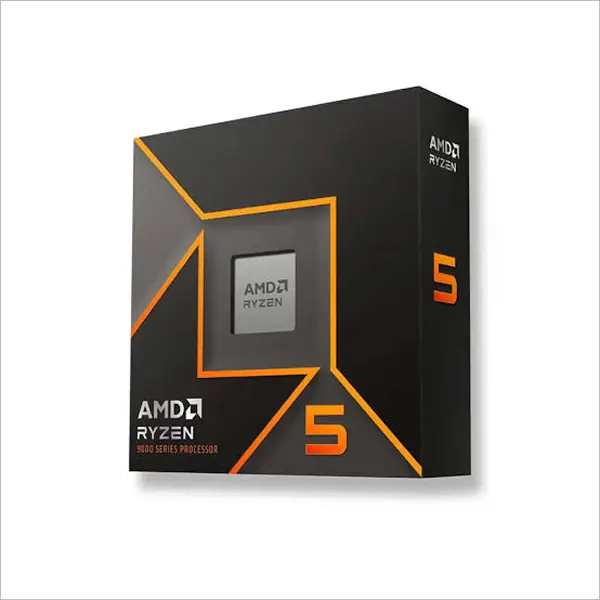
AMD Ryzen 5 9600X is a great affordable option for both casual gamers and non-tech working professionals. 6-core, 12-thread framework empowered with Zen-5 architecture. It requires only 65W of TDP and provides 1440/1080p resolution gaming with extreme features like ray tracing (if paired with a GPU). In short, best for every generic task you wish for.
| Prices | Pros | Cons | Ideal for |
| ₹18,000 to ₹22,000 |
|
|
|
8: AMD Ryzen Threadripper 9980X
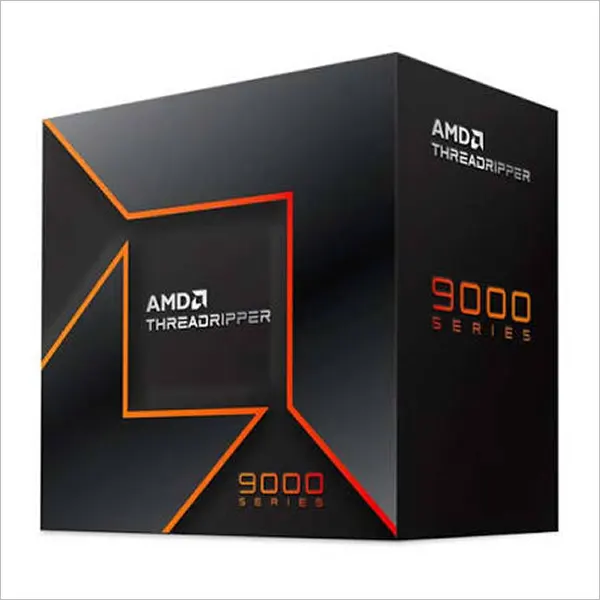
Lastly, the AMD Ryzen Threadripper 9980X is the ultimate CPU made only for high-end performance for hours or even days. It features extreme 64 cores and a 128-thread framework made in Zen-5 architecture. Although it is crafted for supporting heavy-duty workstations, many people integrate it into their gaming PC just to make the setup overkill.
| Prices | Pros | Cons | Ideal for |
| Roughly ₹5,18,000 to ₹5,49,000 depending on the vendor. |
|
|
|
What are Some Parameters to Select an Ideal CPU?
After reading all these options above, you might be getting confused because of their unique features and assurance of stable performance, but don’t worry if you want to make a quick decision; check these parameters below:
- Always stay on budget; only increase the spend when you see value. Even high-end software and games don’t need above 12 cores.
- Ensure that the clock speed of the CPU is high, as it maximizes the potential of performance and stable FPS in all heavy-duty tasks.
- Read the description carefully, and choose the one that has L3 or L4 cache memory, which provides better read and write speed.
- It should be easily compatible with both high- and mid-range motherboards.
- Integrated graphics engines and drivers are a must nowadays, because it helps in processing visuals, frames, and immersive sound without external GPU units.
Conclusion
In the end, after watching all of best cpu for multitasking, don’t feel confused or try to spend more on a CPU just because some alternatives are providing better performance and stable longevity. Any processor that has more than 8 cores and 12 threads is capable enough to perform medium- to high-intensity tasks without any wreckage.
Consider the cost of all the options, including bank offers, online sales, and limited-time offers, to grab the best deal for making your PC makeover powerful and affordable. Follow Techyassist for more such guides.
FAQs
How to select the best CPU?
Which is better, 4 cores or 8 cores?
8 cores are significantly better than 4 cores because they provide more stable performance and improve frame rates in both gaming and operational multitasking.
Is 24 cores overkill for gaming?
Definitely, 24 cores are overkill for gaming because all the major games can be played in maxed-out settings with an 18-core CPU and a moderate GPU.
What are the downsides of using a Ryzen processor?
As of now, there are no proven downsides of using a Ryzen processor, but some users reported higher memory sensitivity and latency quirks on dual-CCD models.
What is the weakest CPU ever?
Well, no component has been designated as the “weakest CPU,” but as of 2026, any processor that has fewer than 4 cores is considered weak to perform even basic tasks. In Chromebooks, you will find similar processors that lack high-intensity performance.
TRENDING POST

Alexa Commands: 80+ Best Commands to Try on Your Echo Alexa

Budget Studio Lighting Setup: Prolite PL150 + Digitek Softbox Review
iPhone 18 Pro Vs iPhone 17 Pro: Should You Consider an Upgrade?